
한국어 Get the app
A knitting & everyday log app · iPhone · Android

2.5 seconds,
every day you make

Your clips join up in date order into one video.
One scarf becomes one book.

Coming in 2026Free for up to 3 books in progress
4%
Day 1 · Oct 8
18%
Day 5 · Oct 12
31%
Day 9 · Oct 16
46%
Day 14 · Oct 21
+Today
53%
Day 19 · Oct 26

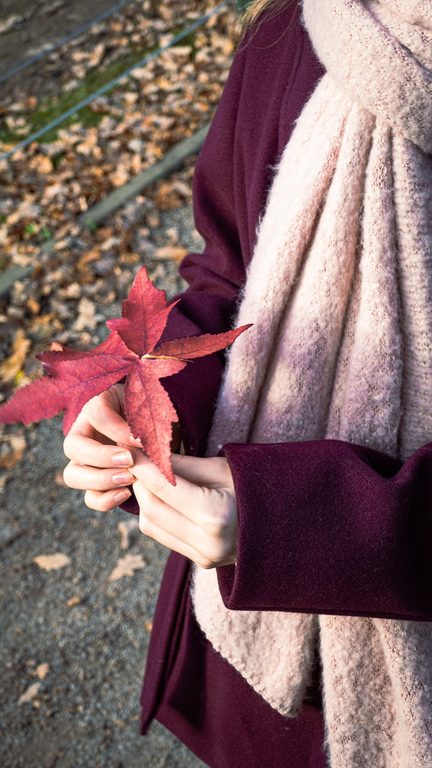
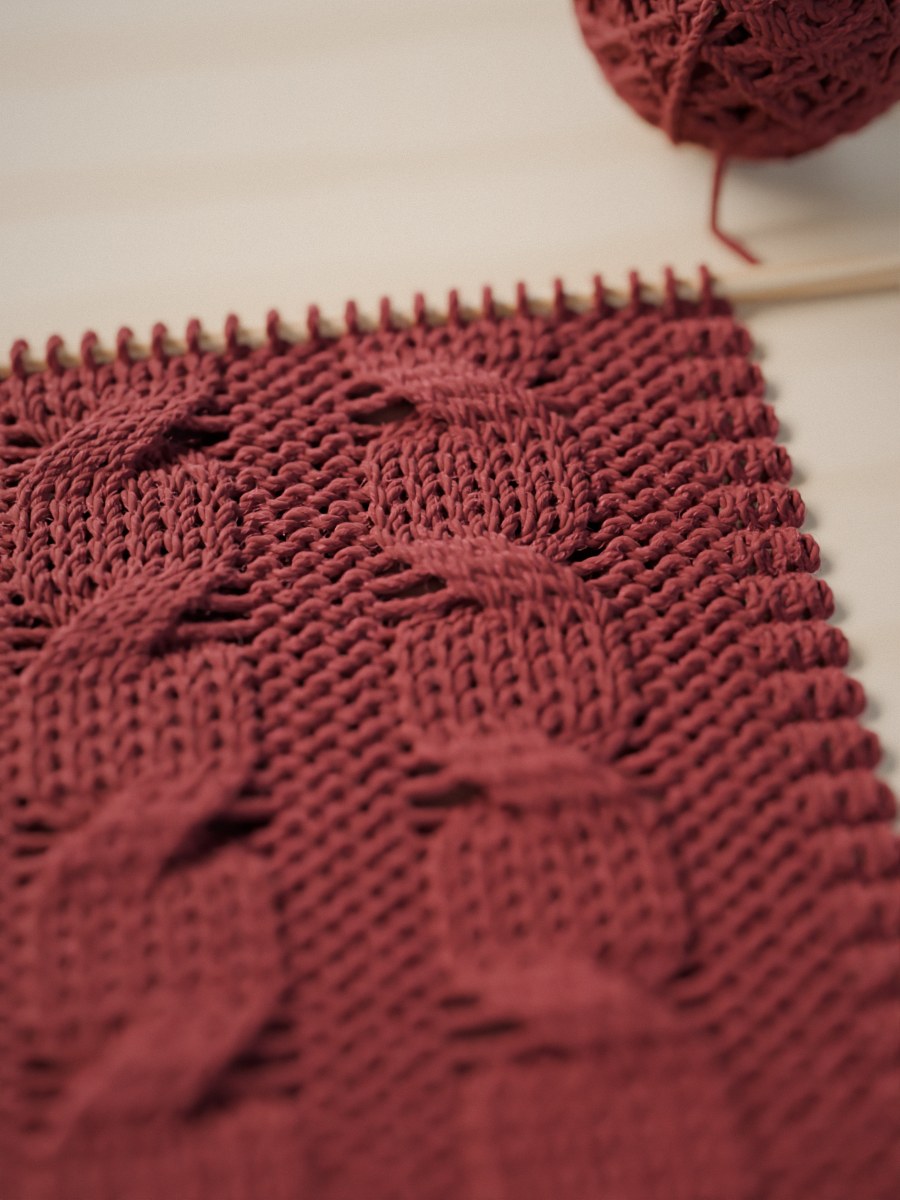
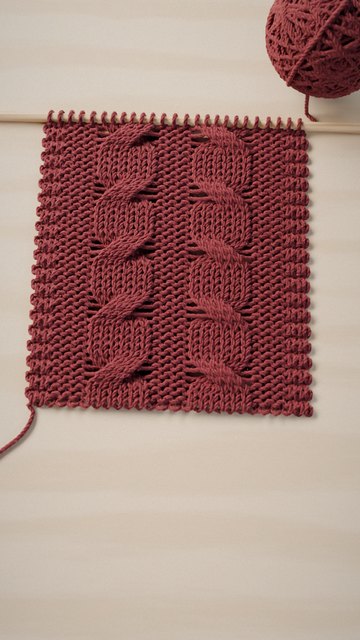
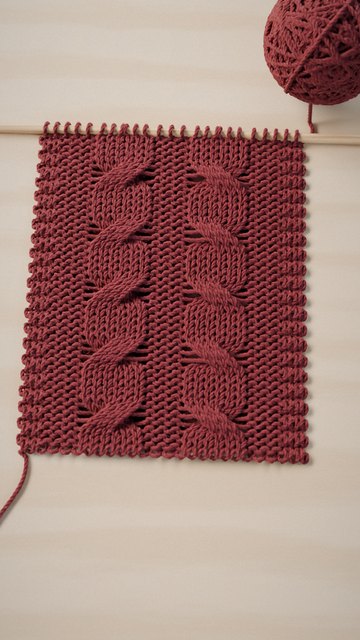
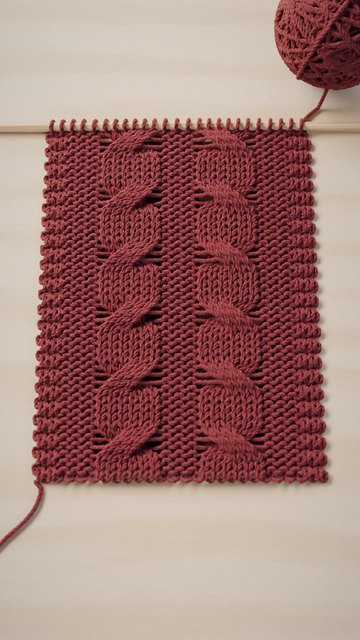
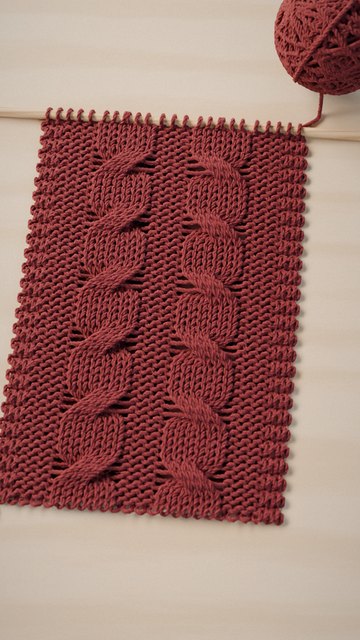
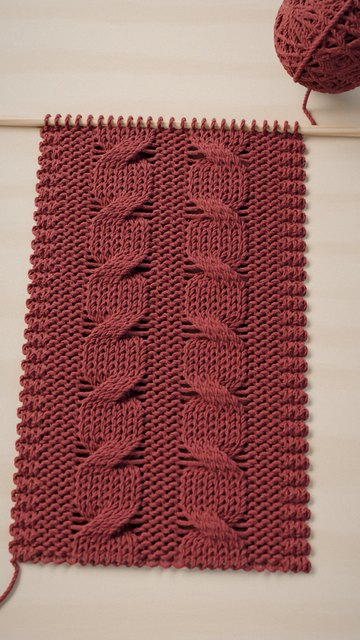
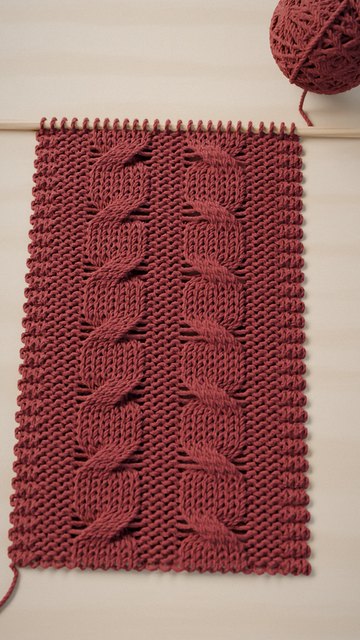
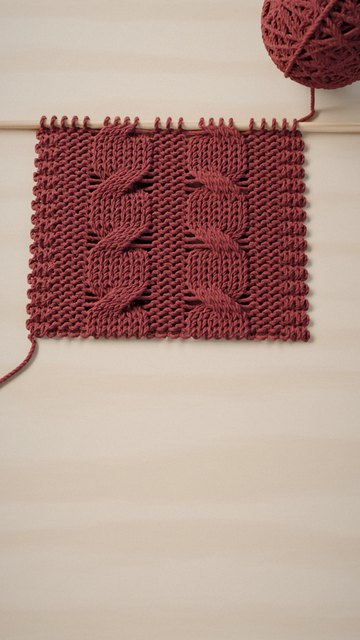
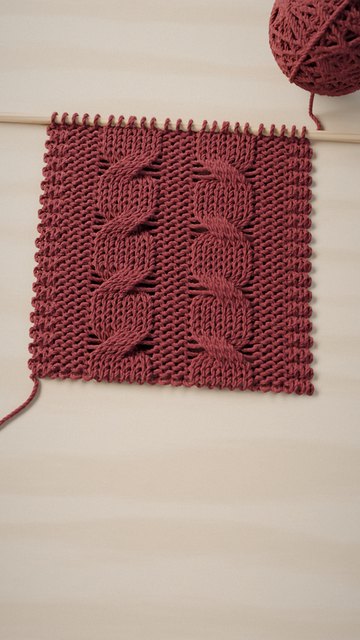
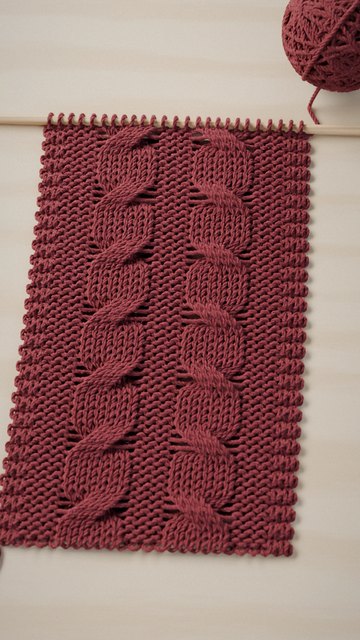
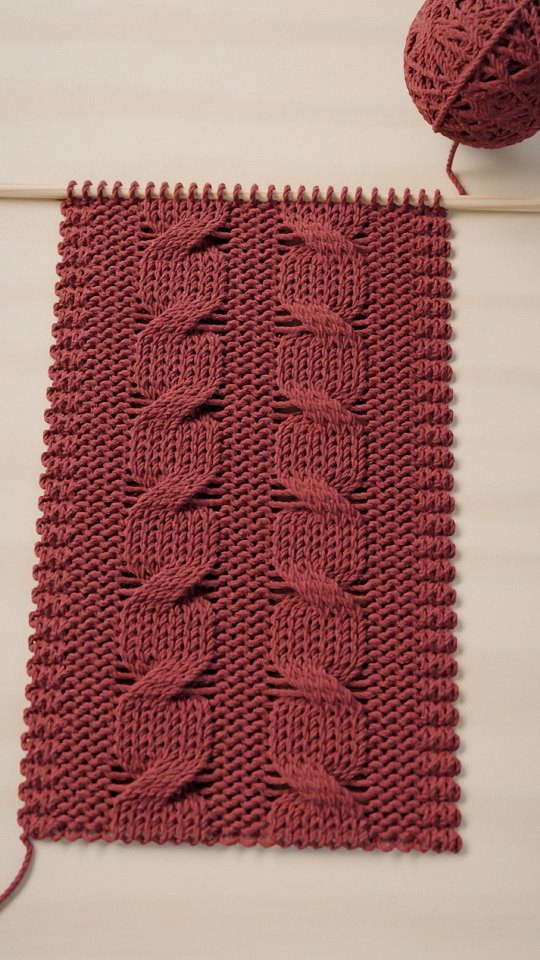
Nineteen days of a red scarf, started on October 8.

How it works

Turn the pages
to see how
Crog works

CrogHow it works
  1. 1Make a book
  2. 2Film 2.5 seconds at a time
  3. 3Watch it join up
Tap to open ↗
How Crog works
01 / 03

Make a book

One scarf.
One day at the sea.
Make a book for each thing you want to keep, and put it on a shelf.

There are two kinds of shelves: knitting & crochet, and everyday log.

1
9:41
Keep screen on
In progress
Keep going
Red scarf
Shot today · 41 clips · 53%
Knitting3
Red scarf
41 clips · 53%
Winter sweater
6 clips · 12%
Baby hat
17 clips · 80%
Everyday2
A day at the sea
7 clips
Mongi
23 clips
In progress
Finished
Shelf
2
How Crog works
02 / 03

Film 2.5 seconds at a time

Tap capture and Crog films exactly 2.5 seconds.
A dotted outline shows yesterday’s last frame.
Line up with it, and each day picks up in the same spot.

After filming, you can add a note to that scene and set its completion.

3
9:41
Red scarf
Tap to film 2.5 seconds
Completion53%
1×2
PhotoVideo
4
How Crog works
03 / 03

Watch it join up

Your scenes join up in date order into one video.
Knitting books show the completion on the video; everyday books show the date and time filmed.

Tap ‘Save · Share’ to save it to Photos or send it right away.

5
53%Day 1910.26.26
1:401:44
9:41
6
The end

That’s all three pages.
The rest you’ll learn as you go.

CrogHow it works
  1. 1Make a book
  2. 2Film 2.5 seconds at a time
  3. 3Watch it join up
Tap to open ↗
How Crog works
01 / 03

Make a book

One scarf.
One day at the sea.
Make a book for each thing you want to keep, and put it on a shelf.

9:41
Keep screen on
In progress
Keep going
Red scarf
Shot today · 41 clips · 53%
Knitting3
Red scarf
41 clips · 53%
Winter sweater
6 clips · 12%
Baby hat
17 clips · 80%
Everyday2
A day at the sea
7 clips
Mongi
23 clips
In progress
Finished
Shelf
How Crog works
02 / 03

Film 2.5 seconds at a time

Tap capture and Crog films exactly 2.5 seconds.
A dotted outline shows yesterday’s last frame.
Line up with it, and each day picks up in the same spot.

9:41
Red scarf
Tap to film 2.5 seconds
Completion53%
1×2
PhotoVideo
How Crog works
03 / 03

Watch it join up

Your scenes join up in date order into one video.
Knitting books show the completion on the video; everyday books show the date and time filmed.

53%Day 1910.26.26
1:401:44
9:41
Cover

Your phone takes 2.5 seconds.
Your hands go back to the needles.

Filming takes 2.5 seconds, so you keep your rhythm.

Knitting & crochet

Knitting
by the window

9:41
Red scarf
41 clips · 53%
0:42:10
Pattern
Photos
Clips
Journal
Info
1:44
So far
53% done
· 41 clips · 19 days of work
Edit
Save · Share
Oct 26· 4 clipsSelect
51%19:42
52%20:05
52%20:31
53%21:08
Oct 25· 4 clips
47%20:12
48%20:40
49%21:02
50%21:15
  • Row counterEach tap of + adds a row.
    Add a reminder like ‘cable on row 141’ and it tells you just before that row.
  • +1 on the Lock ScreeniPhoneWhile you track your work time, a work card sits on your Lock Screen.
    Tap it without putting your needles down.
  • One entry a dayEach day’s scenes, rows and time worked gather in one entry in the Journal, all on their own.
Everyday log

A day
at the sea

9:41
A day at the sea
Aug 8 · 7 clips
Clips
Photos
Journal
Info
0:19
So far
One day
· 7 clips · 4 photos
Edit
Save · Share
Aug 8· 7 clipsSelect
8:42 AM
10:15 AM
10:31 AM
12:48 PM
1:06 PM
3:24 PM
4:52 PM
  • Date and time filmedInstead of the completion, the video shows the date and time each scene was filmed.
  • One day, or a few monthsA day out at the sea or a season with your cat — each one becomes a book.
  • Photos kept apartPhotos gather in the book’s Photos tab.
    Only the 2.5-second scenes join the video.
Notes · Edit

Write a line.
Edit only if you want.

Leave a note on a scene the moment you film it, and edit the joined video only when you want to.

9:41
Red scarf
Tap to film 2.5 seconds
Completion53%
1×2
PhotoVideo
Up to row 135 today
53%
What you just shot Clip 41 · Saved
Tap to add a note
53%Last 52%
Done

Press the shutter to hide this and shoot the next scene

Up to row 135 today
CancelDone
BackdropText onlyDrag to move

A line on the scene

Jot down how far you got that day, right on what you filmed.

  • Right after filmingA note field slides up after you film.
    Just type.
  • On the pictureTap the picture to write on the scene.
    Move it, and resize it too.
  • In the JournalNotes gather in the Journal, day by day.
9:41
Save
4%Day 110.08.26
0:001:44
Whole videoEach clip
41 of 41 clips · 1:44Editing clip 1Not applied to other clips By date
4%22%28%33%38%42%46%50%53%
OriginalClearWarmFilmCalmMono

Applies to all clips

Trim start and end2.5s / 2.5s1.8s / 2.5s

The clip stays as recorded · only the video gets shorter

AaFontPositionFilterInfoSound
NoteTrimAaFontPositionFilterCompletionExclude

Edit only when you want

Your video comes together without any editing.
Anything you change can be undone.

  • Clips to includeTurn off a clip’s ✓ and it leaves the video.
  • Whole video · Each clipChange everything at once, or just the clip you pick.
  • Trim · FiltersYour clips stay as filmed; only the video changes.
What Crog doesn’t have

Making things is mostly quiet time on your own.
How many rows you knit today, what you drank that afternoon — that’s yours to know.
So there are things Crog leaves out on purpose.

  • No followers.
  • No public feed.
  • No ads.
  • No sign-up.
Only you see your records.They stay on your phone, and you decide who gets your books and where your videos go.
Finished shelf

Bind off,
and shelve the book

Tap ‘All knit’ and the book goes onto your Finished shelf.
Open it to find the finished video, the yarn and needles you used, and your hours of work, all in one place.

Pink scarf · Sep 12 — Oct 15, 2026 · 34 days · 64 hours of work

9:41
Shelf
Pink scarf
9/12/2026 — 10/15
34 days · 28 days recorded
Tilt to catch the light · Tap to open
9:41
Pink scarf
Finished book · 34 days
Finished
Pattern
Photos
Clips
Journal
2:11
Finished Oct 15, 2026 · 34 days of work
Pink scarfKnit
9/12/2026 — 10/15 · 34 days
YarnMerino wool · Rose · 4 balls
TechniqueKnitting
Needle5.5mm
Recorded52 clips · 12 photos · 64 hours of work
Cover
SaveShare
Pricing

Free for up to 3 books in progress

Finished books don’t count toward the 3. To keep more books going at once, or to send a book to someone, choose a subscription or a lifetime purchase.

Free

$0
No time limit
  • 3 books in progress
  • Unlimited finished books
  • Save & share videos

Monthly

$2.99
Billed every month
  • Unlimited books in progress
  • Send books to othersiPhone

Yearly

$19.99
About $1.67 a month
  • Unlimited books in progress
  • Send books to othersiPhone

Lifetime

$39.99
Pay once
  • Unlimited books in progress
  • Send books to othersiPhone

Payment, cancellation and refunds are handled by the App Store or Google Play.
Prices shown are US prices and vary by country.
If your subscription ends, no books are deleted.

FAQ

Questions?

Do photos go into the video?

No — only the 2.5-second clips are joined into the video.
Photos gather separately in the book’s Photos tab.

Can I use it if I don’t knit?

Yes — make an everyday log shelf and keep 2.5 seconds of cafés, trips, dates, even your cat at home.
Everyday videos show the date and time instead of the completion.

Where are my records stored?

Clips, photos and notes are stored on your phone, and on iPhone in your own iCloud too.
Crog never receives your records and can’t see them.

How do I save my video?

Tap ‘Save · Share’ in the book’s Clips tab to save it to Photos or send it right away.
Saving and sharing videos is free.

What happens to my books if I stop subscribing?

Nothing is deleted.
Your 3 most recent books carry on, and the rest go ‘Resting’ — only new filming pauses.
Subscribe again and they open right up.

Is Crog on Android?

Yes — it’s coming to Google Play too.
+1 on the Lock Screen and sending books work on iPhone only for now.